


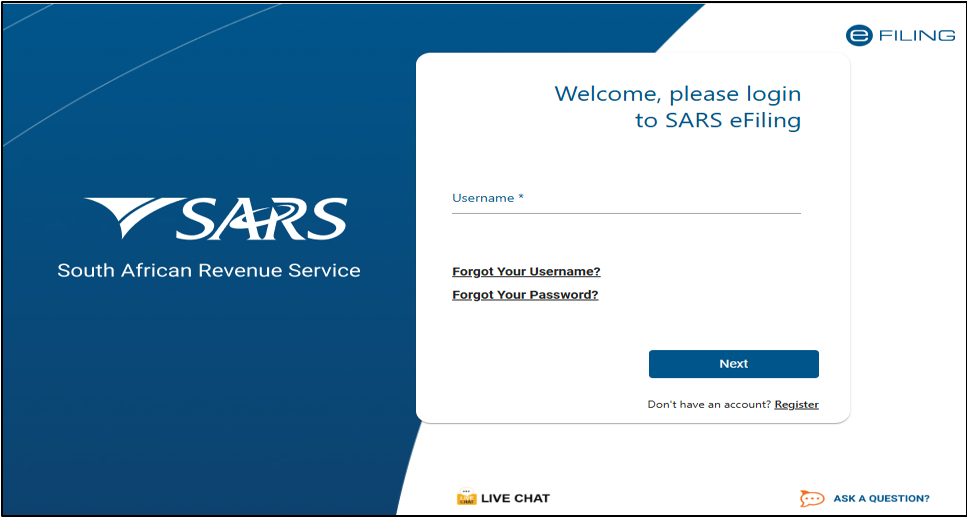
The South African Revenue Service (SARS) has issued an urgent warning over a sophisticated new wave of AI-generated phishing scams targeting taxpayers during the 2026 filing season.
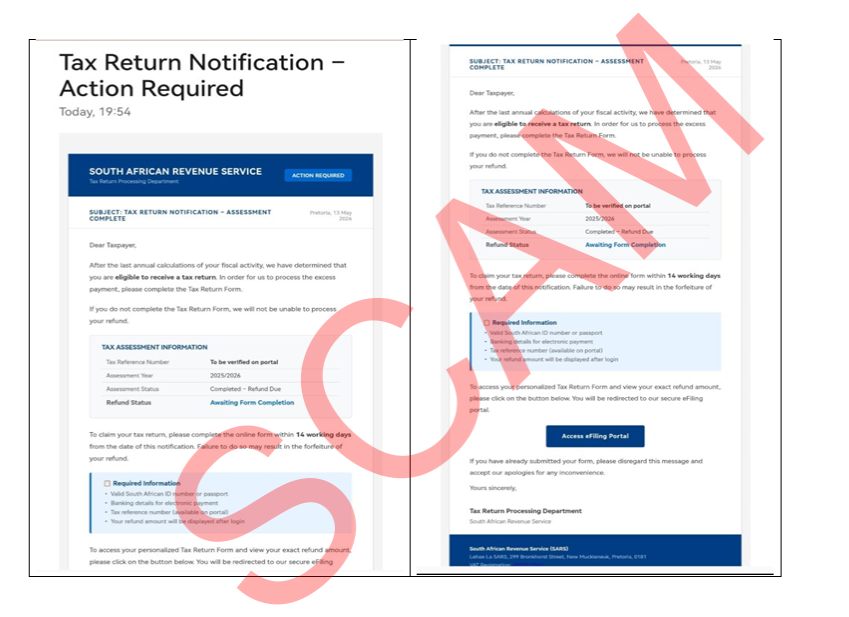
According to SARS, scammers are using generative artificial intelligence (AI) to create convincing emails that closely resemble official SARS communication, making them far more difficult to identify than traditional phishing attempts.
How the AI scam works
SARS says cybercriminals are using AI to produce highly realistic phishing emails that mimic the look and tone of genuine correspondence.
These scams often include:
- Professionally written emails with no spelling or grammar mistakes.
- Official SARS branding, logos and formatting.
- The names of genuine SARS employees to appear legitimate.
- Specific refund amounts, such as R48,900 or R68,652.86, to create the impression that the figures were generated by SARS systems.
- PDF attachments or links directing taxpayers to fake SARS login pages designed to steal eFiling usernames, passwords and banking information.
Once criminals gain access to an eFiling profile, they can change the registered banking details so legitimate tax refunds are paid into fraudulent accounts.
Five ways to protect yourself
SARS has urged taxpayers to remain vigilant and follow these important safety guidelines:
- Never click on links contained in tax-related emails, SMSs or WhatsApp messages.
- Always access SARS services by typing www.sars.gov.za directly into your browser.
- Check your secure eFiling profile or the official SARS MobiApp for legitimate notifications.
- Never share passwords, one-time PINs (OTPs), banking PINs or credit card information via email or SMS. SARS will never ask for these details.
- Be cautious of email attachments ending in .htm or .html. SARS does not send communications using these file types.
What to do if you receive a suspicious message
If you believe you have received a phishing email or message claiming to be from SARS:
- Forward the communication to phishing@sars.gov.za.
- Visit the official SARS Scams and Phishing webpage to view examples of known scams.
- If you clicked on a suspicious link, log in to your eFiling account immediately, change your password and activate multi-factor authentication (2FA) to help secure your profile.
SARS continues to encourage taxpayers to remain alert throughout the filing season, reminding users that fraudsters are becoming increasingly sophisticated by using AI to create highly convincing scams.








Related Articles

Inside Manchester City’s £900m financial breaches as Premier League sanction looms
Manchester City artificially inflated revenues and reduced costs by more than £900...

Ford Tourneo Custom Titanium X AWD arrives in South Africa
Ford South Africa has expanded its premium people-mover range with the launch...

DStv 7 Day Upgrade: Who qualifies and how the free viewing works
DStv customers who pay their monthly subscriptions in full and on time...



World Heart Day: The heart risks you may not know you have
Your heart can feel perfectly healthy even when cardiovascular risk factors are...
